Split expenses with friends
Graiden group spending lets you split a trip, a flat or a dinner by adding purchases it has already logged, so you don't retype receipts. It shows who owes who and the fewest payments to settle up, and friends can follow along on a web page with no app. It's free.
How it works
- Step 1
Make a group
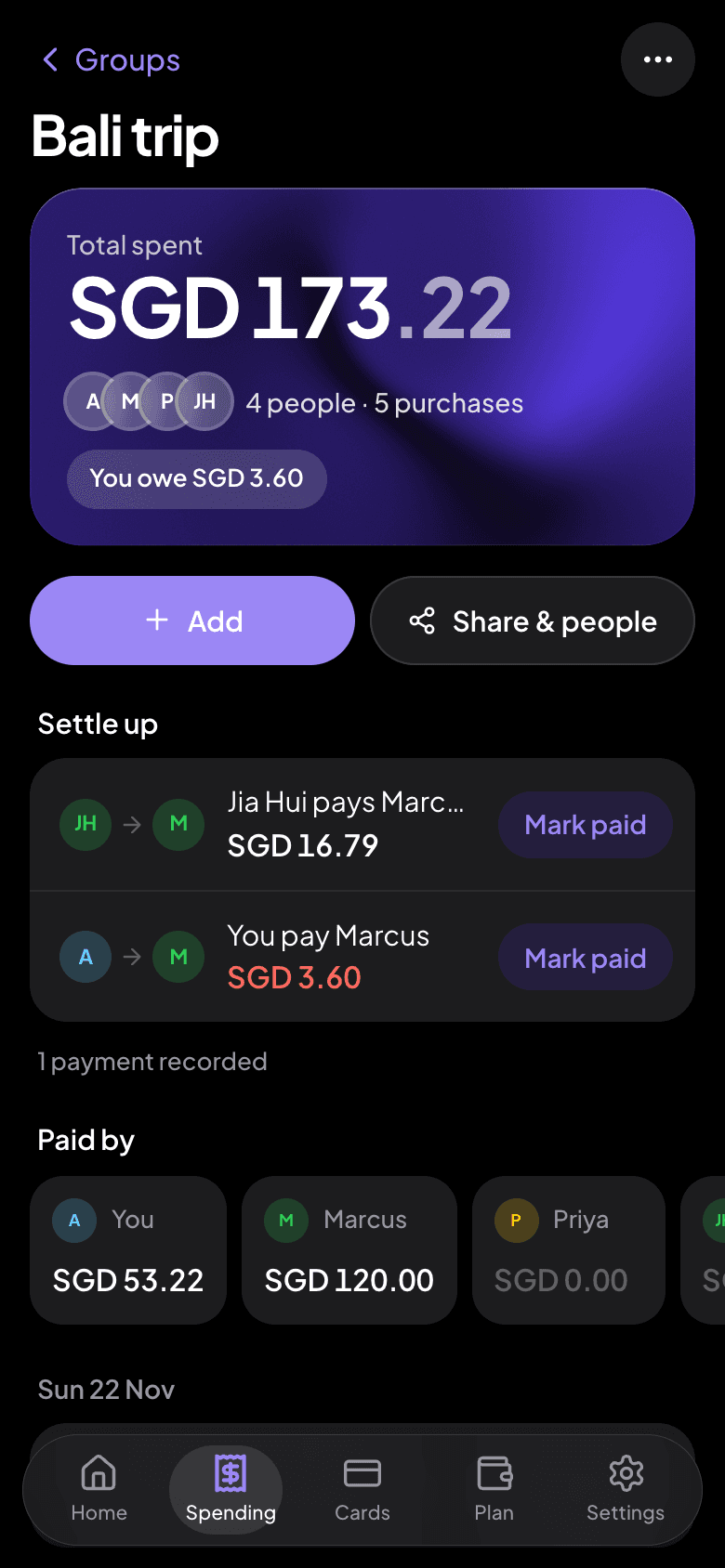
Name it for the trip, the flat or the dinner. Add people by email, or by name only if they don't have an account.
- Step 2
Add purchases
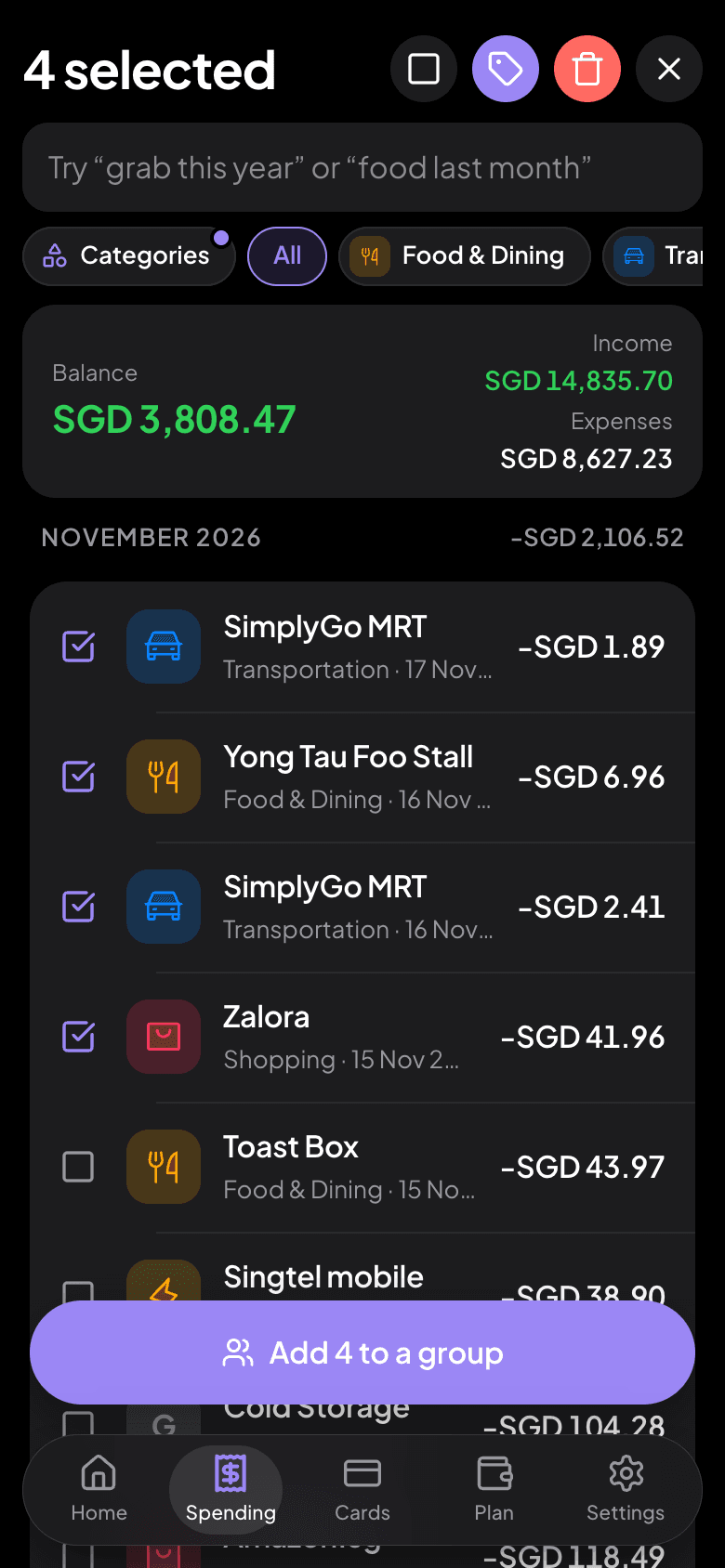
In Spending, select the purchases Graiden already logged and tap Add to a group. For something a friend paid, add it with a title, amount and who paid.
- Step 3
Split them
Split equally, or choose who is in for each purchase.
- Step 4
Settle up and share
See who owes who and the fewest payments to settle. Pay back however you like, for example PayNow, and mark it paid. Share a link so friends can follow along.
What makes it different
Your logged purchases go straight in
Graiden logs purchases from forwarded bank alerts, the Apple Pay shortcut and screenshots. Adding one to a group takes a few taps, with no retyping.
Friends don't need the app
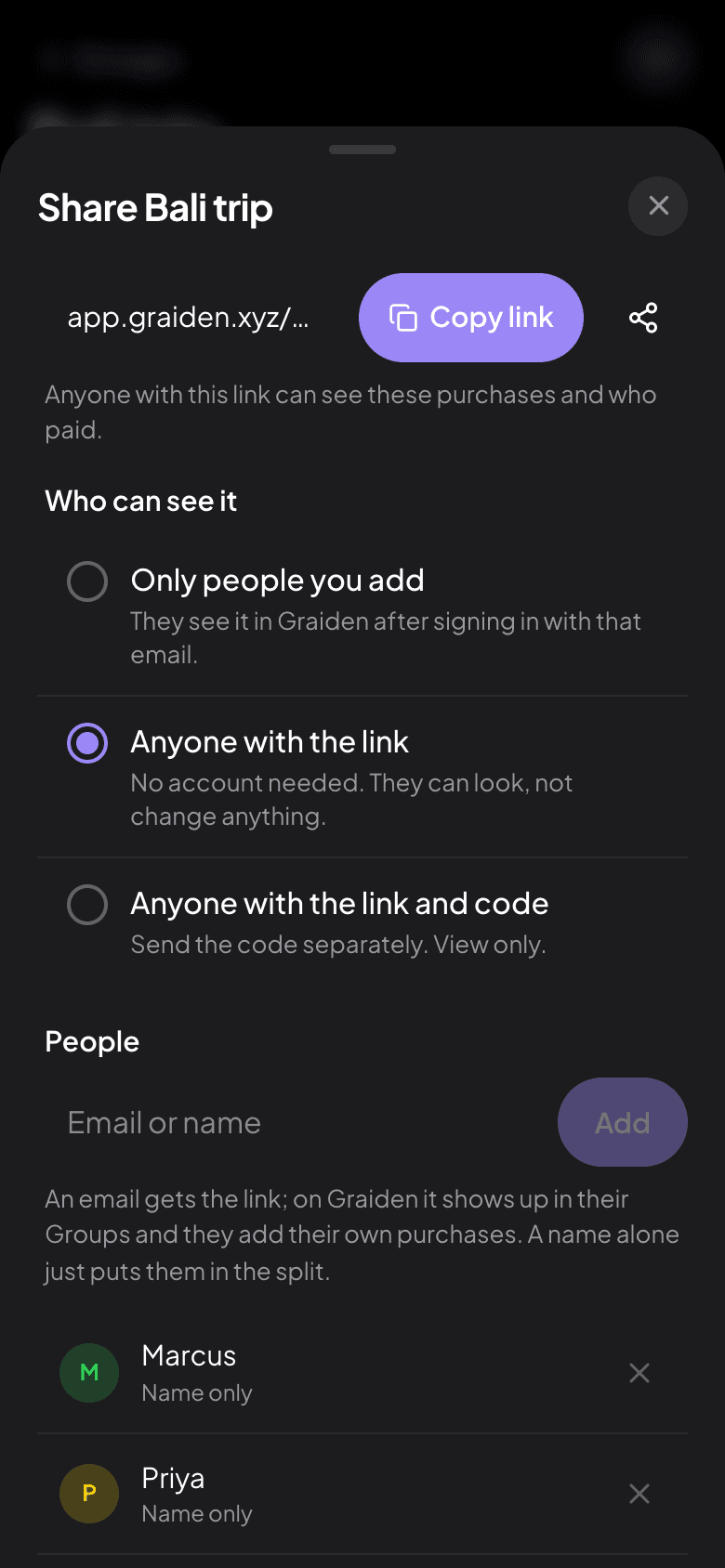
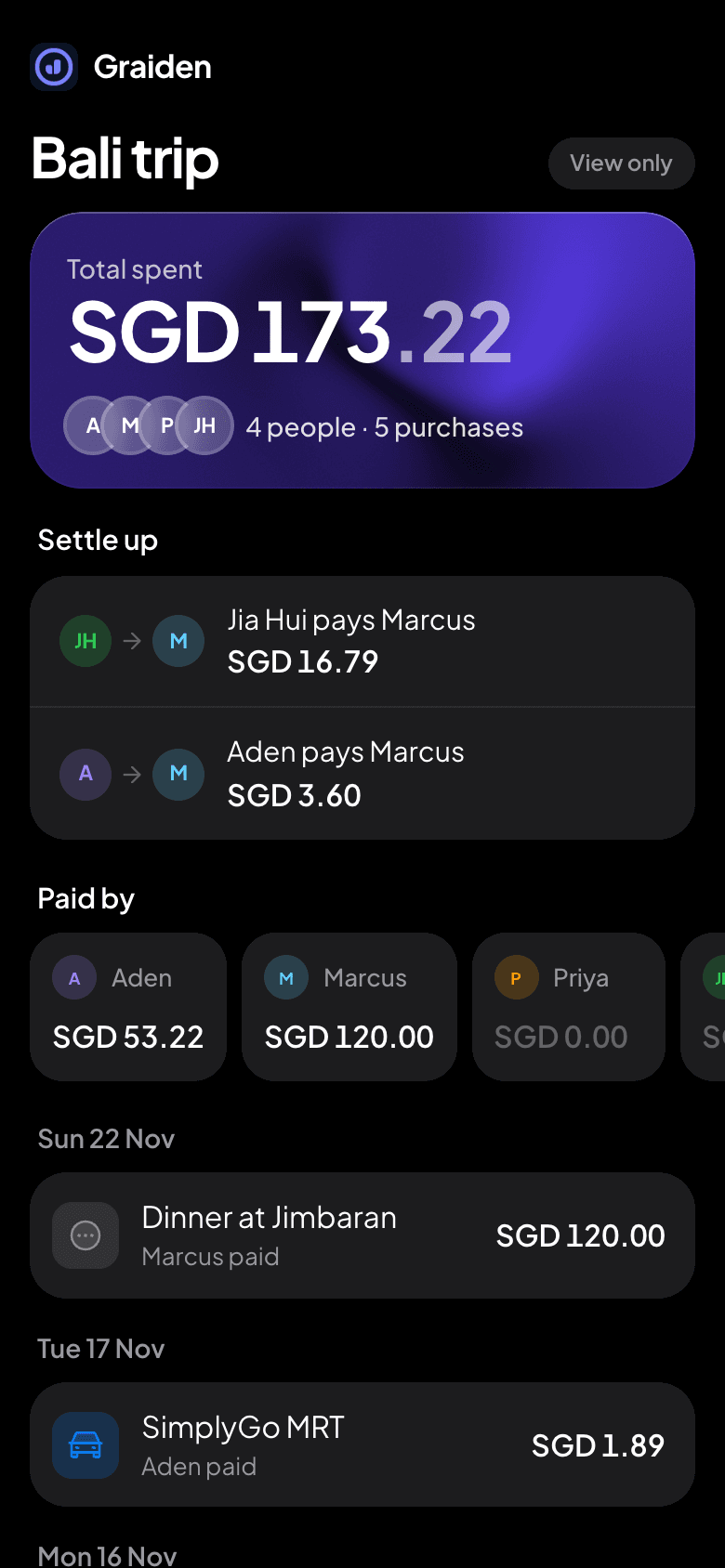
They open a view-only web page from your link. No download and no sign-up.
Works in Telegram
Add a purchase to a group from its note in @graiden_bot, or ask who owes who on the Bali trip.
Works with Claude and ChatGPT
With Graiden's connector, ask to add your Grab rides from this weekend to the Bali trip, or how much you owe on it.
Private by default
Shared pages show first names only, never notes, cards or bank details, and search engines don't index them. Reset the link whenever you like.
Graiden or typing every expense
Apps like Splitwise and Tricount are built around entering each expense yourself. Graiden starts from purchases it has already logged. Check each app's own site for what it offers today.
| Question | A split app where you type each expense | Graiden groups |
|---|---|---|
| How expenses get in | You type each expense | Pick purchases Graiden already logged, or add one by hand |
| Do friends need the app? | Depends on the app | No. A view-only web page, or add them by name only |
| Who can see the shared page? | Depends on the app | Your choice: anyone with the link, link plus a 6-digit code, or only people added |
| Price of groups | Depends on the app | Free for everyone |
Common questions
Is group spending free?
Do my friends need Graiden?
Can I split unevenly?
How do we settle up?
What can people with the link see?
Does it work for trips abroad and other currencies?
Can I stop sharing?
How is this different from Splitwise or Tricount?
Make your first group
Free for everyone. You'll be asked to log in first.